Print or save your flow as PDF 🖨️
Product Updates
You can now take your scenario flow off the screen and onto paper.
A new print button in the flow editor, next to the search button, opens the print dialog with the current state of your flow. Handy for reviewing a storyline with colleagues, sharing it with a client, or marking up changes during a workshop. 🤓
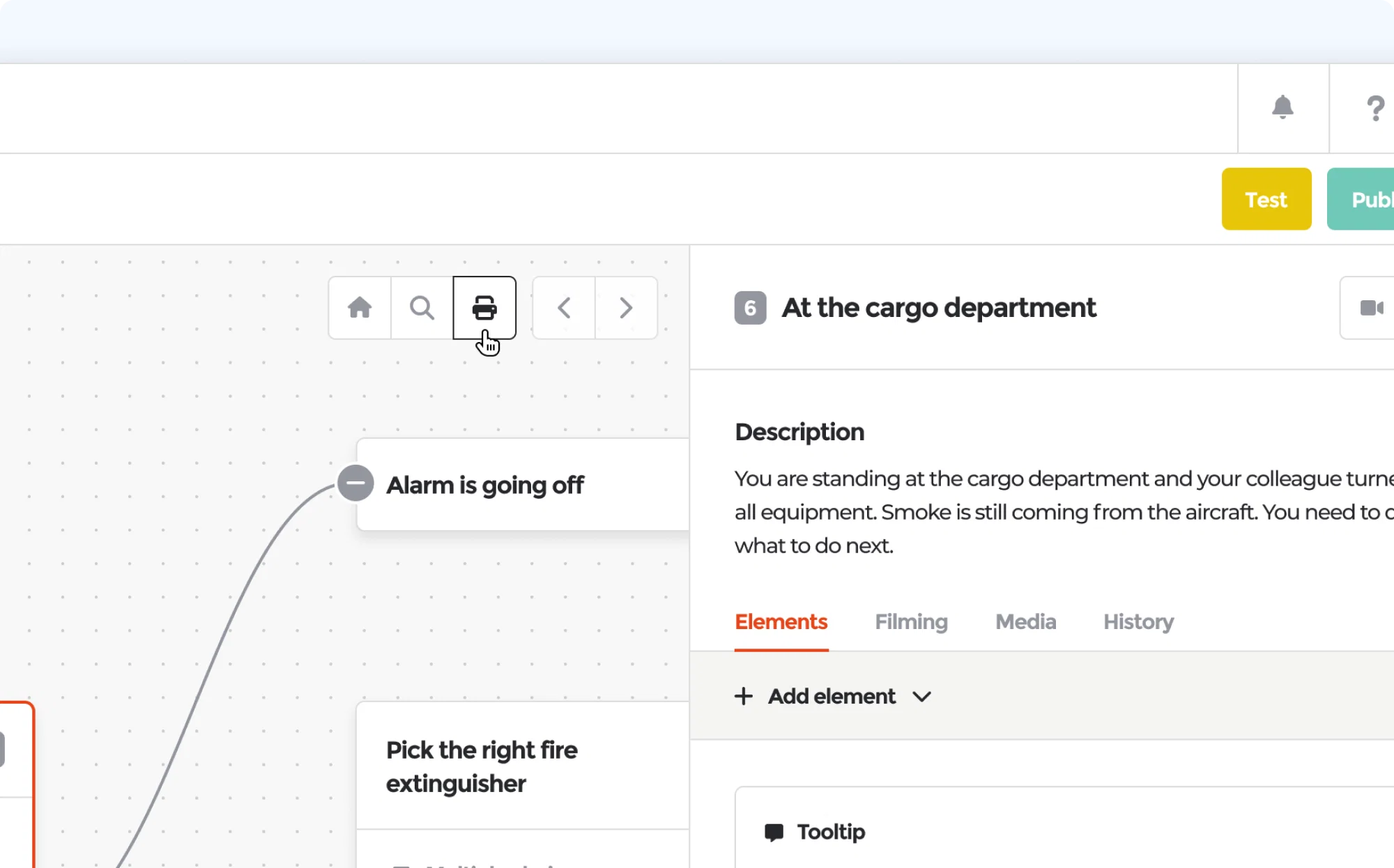
From the same dialog you can save the flow as a PDF, so you always have a shareable snapshot of your scenario structure.